
Give every lesson something students can use.
Attach workbooks, templates, checklists, and bonuses to any lesson or course, then set who gets in and when each lesson opens.

A lesson explains it. A resource makes them do it.
The gap between watching a lesson and acting on it is usually a blank page. Materials close it.
A student who finishes a lesson on pricing still has to sit down and set their prices. Hand them the worksheet in the same breath and they do it now, while the lesson is still in their head. Hand them nothing and they mean to, later, and later never arrives.
It works on the sales page too. A course is a promise; a bonus library is something you can see before you buy. The materials are the part of your offer a buyer can weigh in their hand.

Everything a resource has to do, already done.
Attach resources to any lesson.
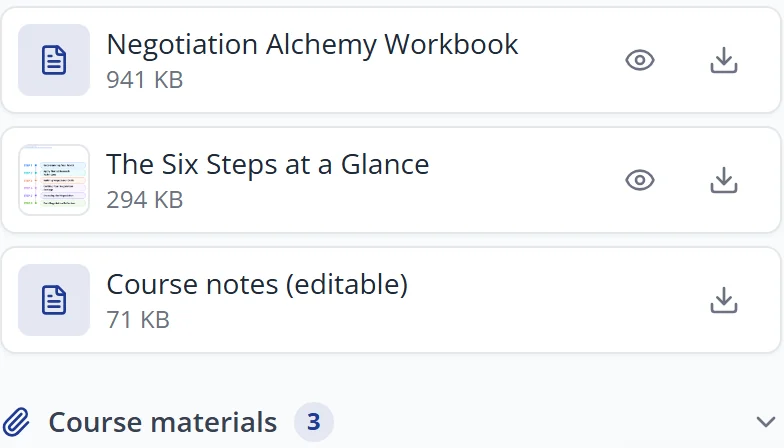
Give students the worksheet, template, or guide right beside the lesson that explains it. Upload a file to a lesson and it appears with that lesson, not buried in a folder somewhere else.
Any file type you already work in: PDFs, documents, spreadsheets, slides, images, audio.

Build a complete bonus library.
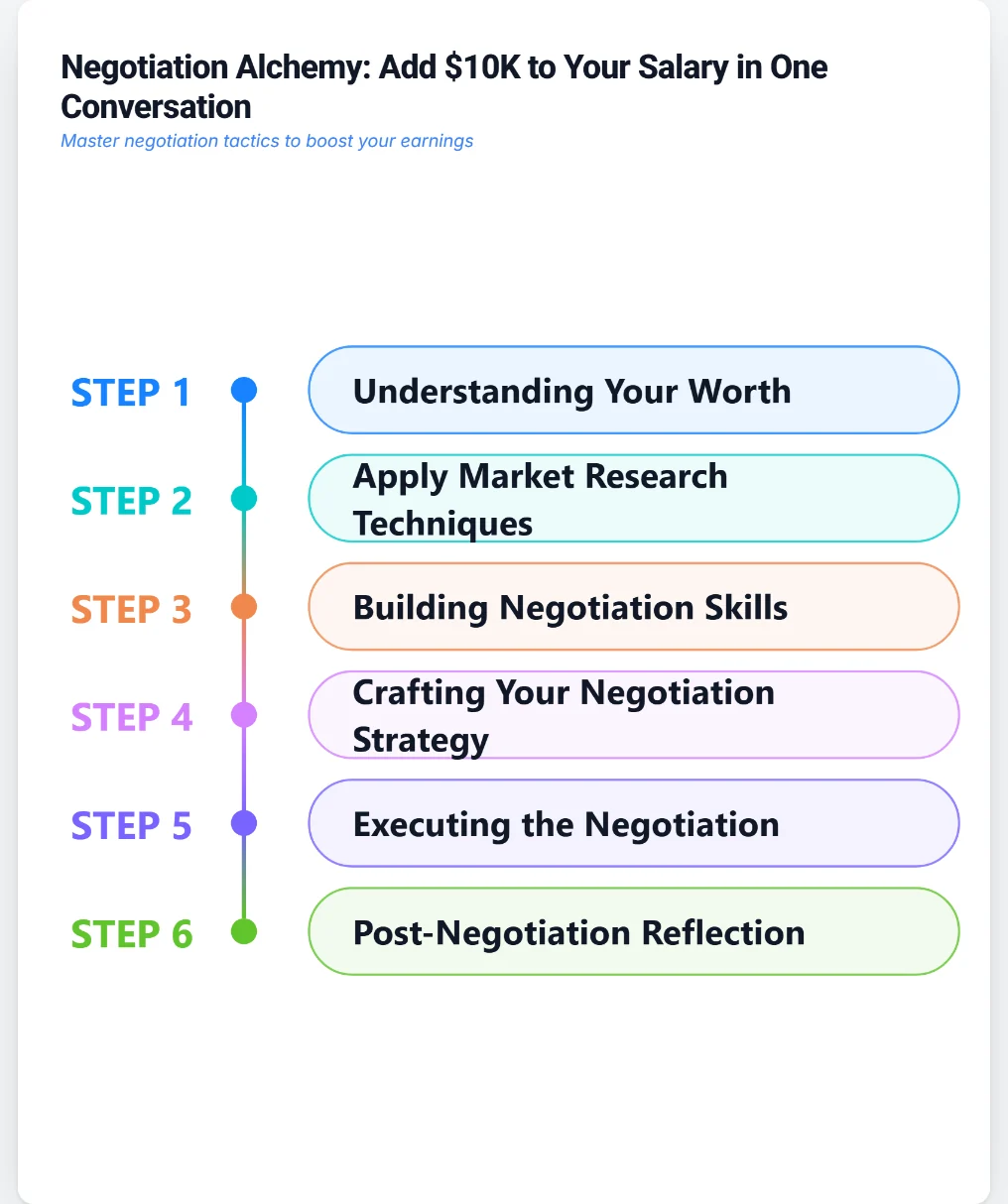
Add bonuses to the full course and make the offer more valuable before a student even enrolls. Swipe files, checklists, templates, recordings, anything that makes the course worth more than its price.
Course-level materials sit in one library students can browse, so the value is visible rather than scattered.

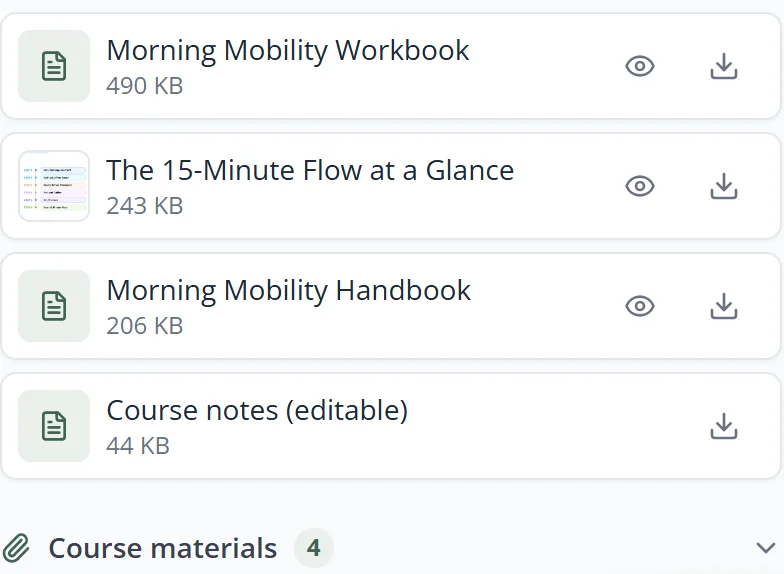
Deliver resources automatically.
Students receive the right materials the moment they enroll or as each lesson unlocks. No sending files by email, no chasing people who lost the attachment, no manual work per student.
Enrol at midnight, download at midnight. It runs whether or not you are awake.

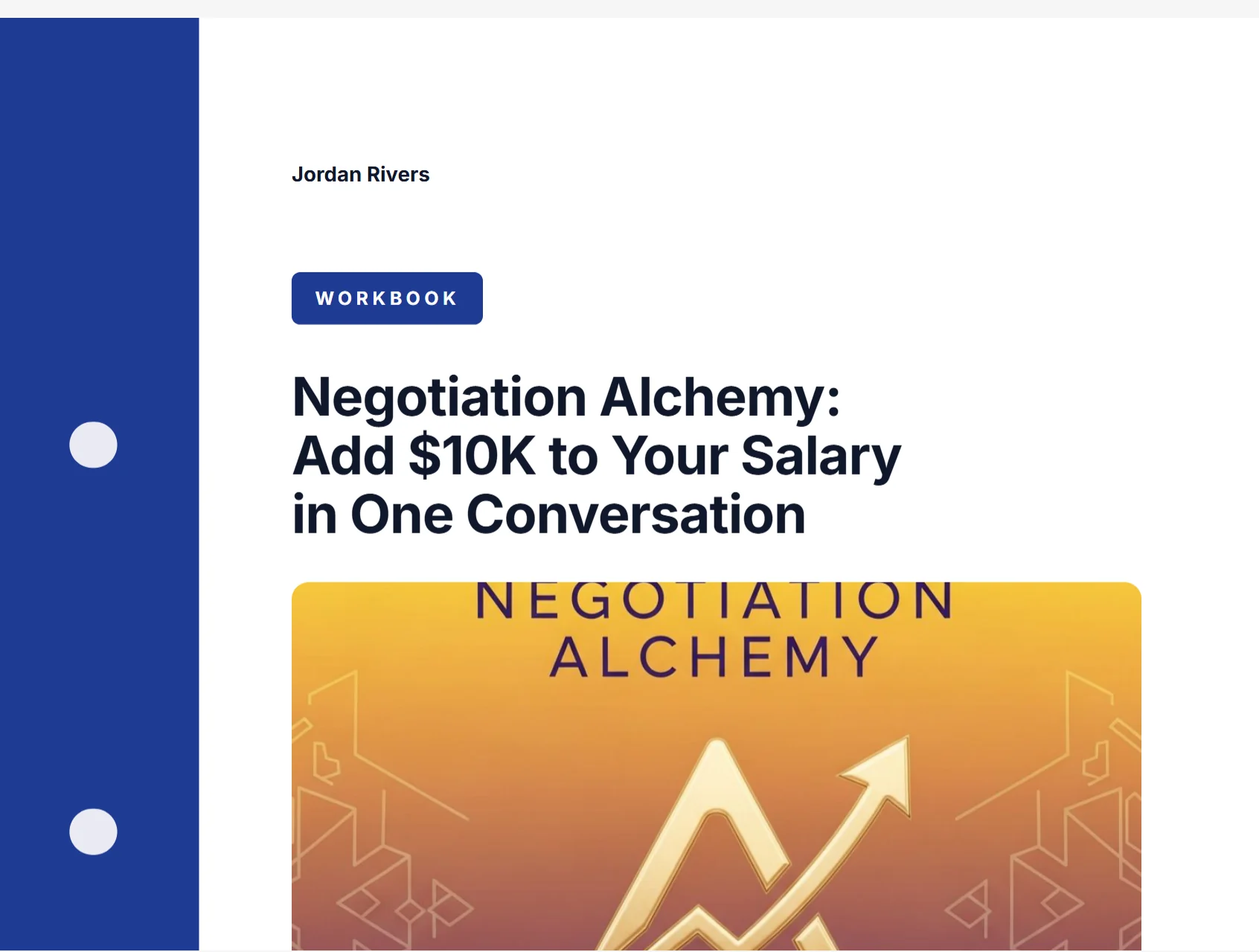
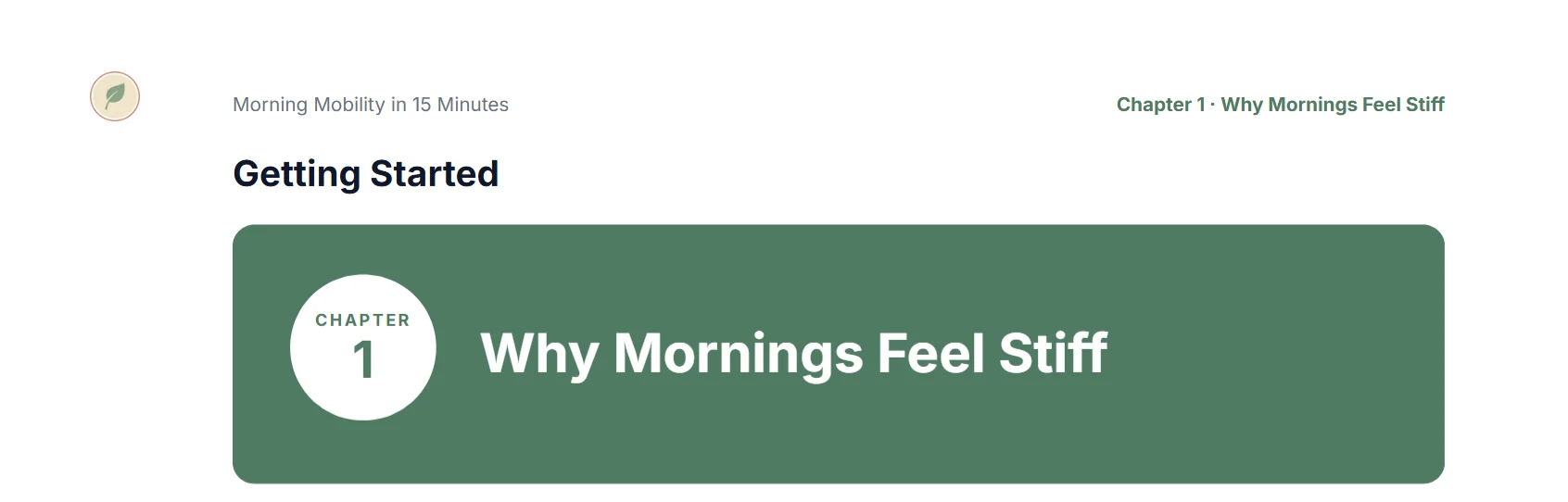
Keep every download on brand.
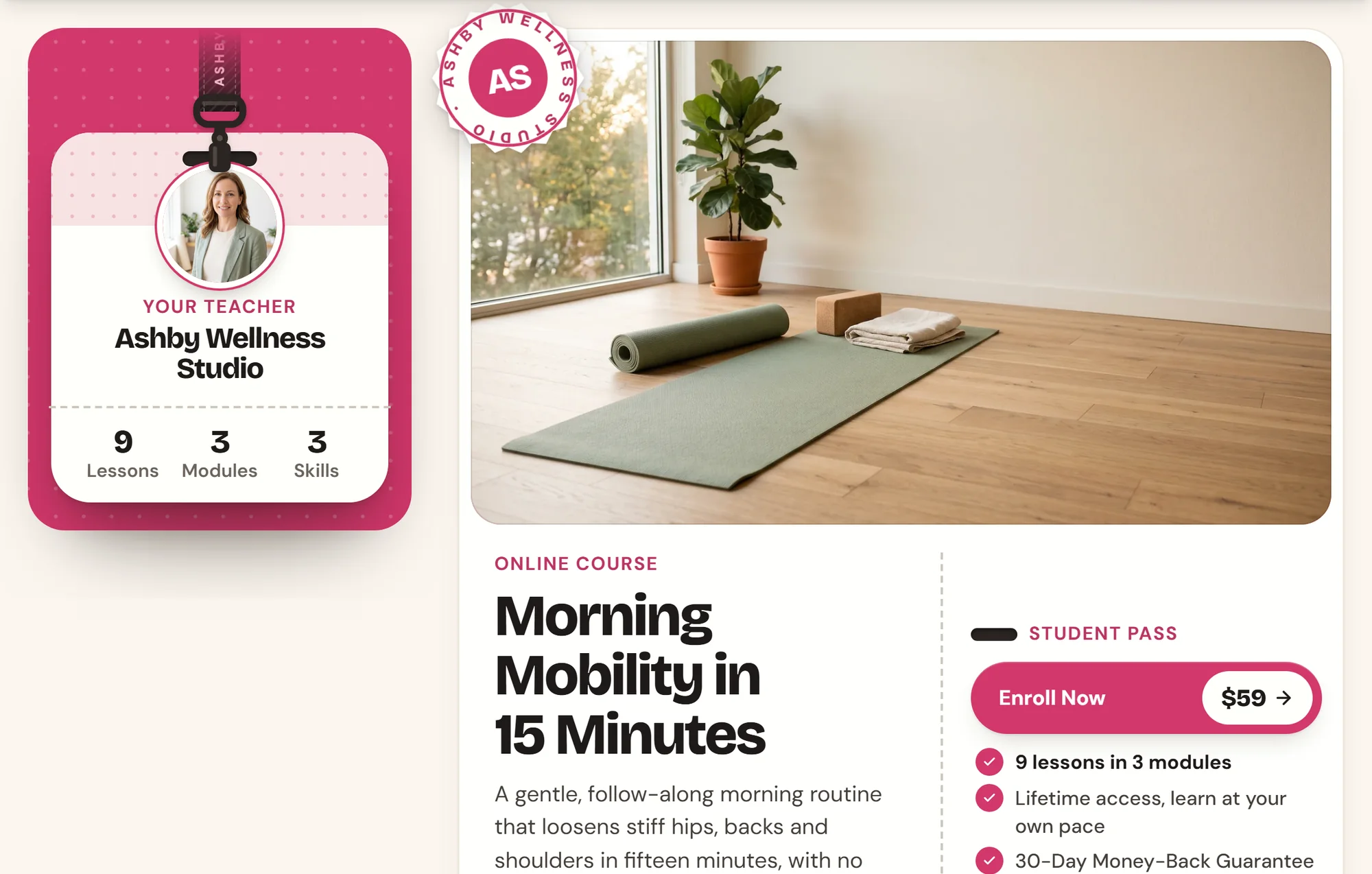
Your logo and course name travel on the materials students take with them. A worksheet saved to someone's desktop keeps working for you long after the lesson is over.
The file they keep looks like it came from your business, because it did.

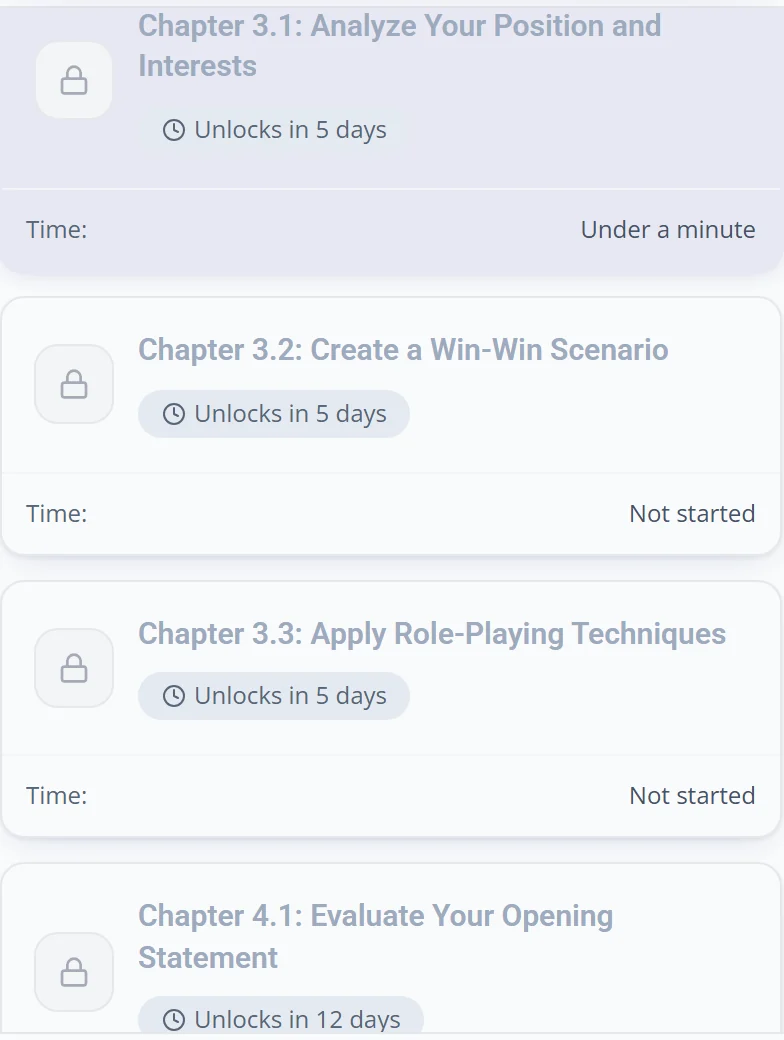
Works with drip release.
Release lessons and their resources together, day by day or week by week. A file cannot be downloaded before the lesson that explains it is unlocked.
Materials follow the schedule you already set. There is nothing extra to configure.
Set the release schedule itself in Drip and access below.
Your files stay yours.
Upload, replace, organize, and remove materials whenever you choose. Swap last year's template for this year's and every enrolled student has the new one.
Nothing is locked in. The files are yours before, during, and after.

The bonuses are part of the offer. Show them.
Everything you attach at the course level is something you can list before anyone enrols. A buyer weighing a price against a promise decides faster when they can see exactly what they get.
Build the page it goes on with Landing Page Studio.
Decide who gets in, and when each lesson opens.
Access and pacing sit in the same course settings as your materials. Pick a mode and the same link starts behaving that way.
Decide who gets in. Three ways.
Open Access is the free preview you want passed around. Email Required turns every viewer into a contact you can reach. Paid Course puts a price in front of the same link.
Change the mode whenever you like and the same link follows.

Open it all at once, or one module at a time.
Pick the pace once: everything open, one chapter at a time, or a module every few days. The course runs the schedule, not you.
Every student's clock starts on their own enrollment date, so somebody who joins in March gets the same run as somebody who joined in January.

A locked lesson explains itself.
A student who reaches a module that has not opened yet never lands on a dead end. The lesson tells them exactly when it opens.

Set what comes first, and what comes after.
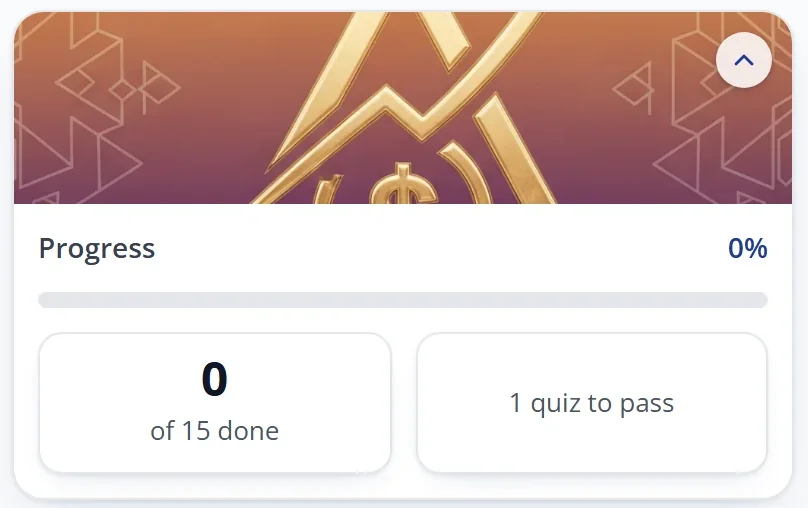
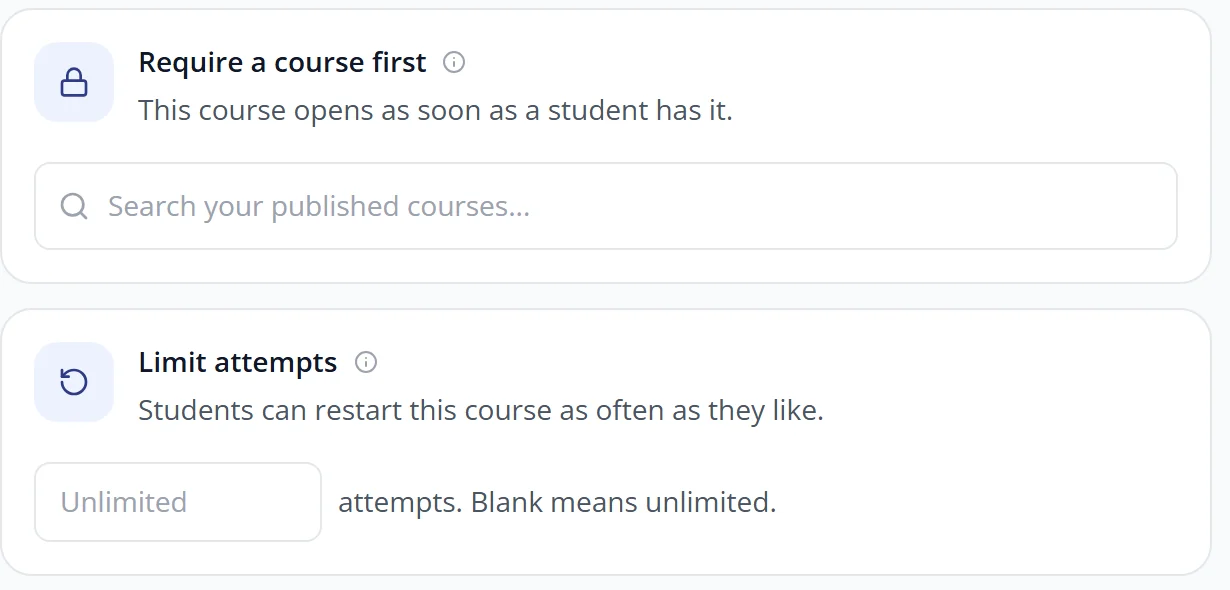
Per course: what a student must finish before this one opens, how many attempts they get, and where they go when they are done.
Require a prerequisite, cap how many times the course can be taken, and a passing score means something.
A student who finishes sees up to six of your other courses instead of an empty screen, and you can ask for a star rating while the course is still fresh.

Predictable for you. Simple for them.
Three steps to a course worth more.
You already have the worksheets. Put them where they work.
Attach them to the lessons that explain them, add the rest as bonuses, and let every student get the right file at the right moment without you touching a thing.
7-day free trial. 30-day money-back guarantee.