
How to Turn a YouTube Video Into an Online Course (Without Rerecording Anything)
You already recorded the thing. Here's how to turn it into a course people enroll in.
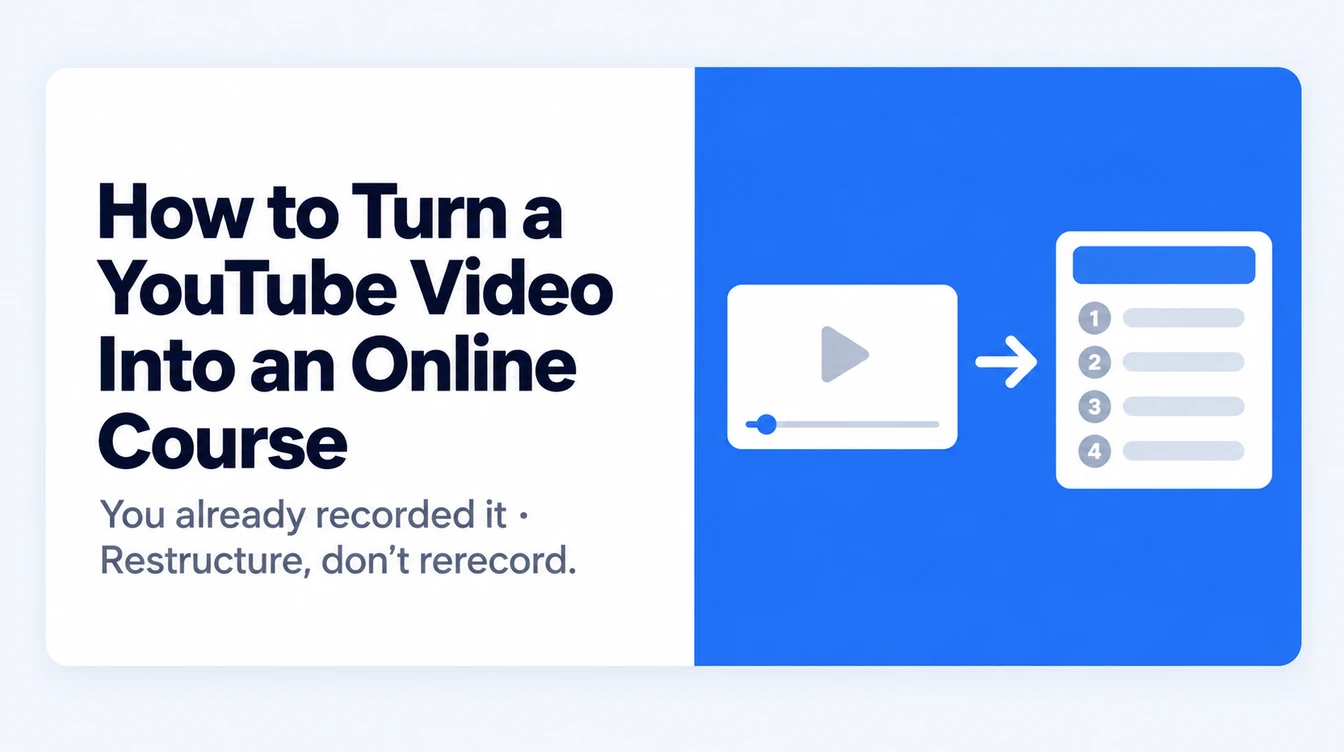
You already made the hard part
Most people think of a course as something you build from scratch: a blank outline, a blank script, a blank week.
But if you've published on YouTube, you've already done the part that takes the longest. You picked a topic, you worked out how to explain it, and you said it out loud in an order that made sense. That's the teaching. Everything after it is formatting.
The gap is that a video and a course aren't the same shape. A video is one continuous thing you watch. A course is a structure you move through: modules, lessons, somewhere to stop and come back. Turning one into the other used to mean transcribing your own video and rebuilding it by hand, which is exactly why most people never got around to it.
That's the part that's changed.
What actually carries over from a video (and what doesn't)
It's worth being clear about this before you start, so you have realistic expectations for the first draft.
What carries over well: your explanations, the order you chose to teach things in, and your phrasing. If you have a way of describing a concept that lands with people, it survives the trip.
What doesn't: anything that only made sense because you were on camera. "As you can see here." "Like I showed you last week." "Drop a comment if this helped." Also anything you were pointing at without describing, and any pacing that worked because a viewer could see your face.
None of that is a problem. It just means the first draft is a draft. You'll do a pass to fix it, and that pass is short.
Pick the right video first
Not every video converts well, and picking a bad one is the main reason this goes badly.
Look for a video where you taught something in order: a tutorial, a walkthrough, an explainer, a talk. Those have structure baked in, which means the outline that comes out the other side will already be close.
Skip, at least for your first attempt:
- Vlogs and anything mostly conversational, since there's no sequence to find
- Reaction or commentary videos, where the value is in what you're reacting to
- Very short videos. Under about ten minutes there usually isn't enough material to fill more than a lesson or two
- Videos with no spoken content, or where the teaching happens entirely on-screen
One more practical thing: this works from what's spoken. If the audio is unclear or there's very little talking, you'll get thin results, not because anything failed but because there wasn't much to work with.
Longer, structured, and clearly spoken is what you want. A forty-minute workshop recording is close to ideal.
Step 1: Paste the link
Open Course Forge in your dashboard. It asks how you want to start, and gives you four options: start with a document, start with a topic, use a saved document, or paste a YouTube link.
Pick the YouTube one and paste the full link. The youtube.com/watch?v=... form or a youtu.be/... share link both work.
The video's title and channel appear as soon as the link is recognized. That sounds like a small thing, but it's a useful check: if the wrong video shows up, you'd rather find that out now than after a full build.
Behind the scenes it pulls the transcript and treats it as your source material, the same way it would treat a document you wrote. That's a helpful way to think about it. You aren't asking it to invent a course about your topic. You're handing it what you actually said and asking it to organize that.
Step 2: Fix the outline before you build anything
The flow walks you through outline, then design, then build. The outline step is where your attention is worth the most, and it's the step people rush.
Read the module and lesson titles it proposes and ask: is this how I'd teach this in order?
A transcript is linear, so the first outline often keeps an order that made sense in a video but not in a course. Common ones:
- A long introduction becoming its own module when it's really one lesson
- A tangent you went on getting promoted to its own section
- Your strongest material buried at the end because that's where you said it
- Two lessons that are really the same idea
Fix all of that here. Renaming, merging, splitting, and reordering at the outline stage takes a couple of minutes. Doing the same thing after the lessons are written takes an hour.
If you're unsure whether the order is right, try reading just the lesson titles top to bottom as if you knew nothing about the subject. Gaps tend to announce themselves.
Step 3: Rewrite the lines that only worked on camera
Now go through the generated lessons looking for leftover video language.
You're hunting for four things:
- Visual references with nothing attached. "As you can see here" needs to become the actual description of what you were showing.
- Platform habits. Subscribe reminders, comment prompts, mentions of your upload schedule.
- Time references. "Last week's video," "I'll cover this in part two." Either replace them with a pointer to the right lesson or cut them.
- Filler that reads worse than it sounded. Verbal tics are invisible when spoken and very visible in text.
This is the pass that decides whether the course reads like a course or like a transcript someone tidied up. It's also genuinely quick, because you're editing your own words rather than writing new ones, so you already know what you meant.
While you're in there, add the thing you'd have said if someone had asked a question mid-video. Written lessons have room for the aside that a video's pacing didn't allow.
Step 4: Add what a video couldn't do
Here's where the course becomes worth more than the video it came from, and it's the part most people skip.
A video is something you watch. A course is something you do. The difference is almost entirely in what you add at this stage:
- A check at the end of each module. A few questions. Watching feels like learning; being asked a question is how someone finds out whether it worked.
- Something to download. The checklist, the template, the worksheet version of what you explained. This is the piece students still have in six months.
- A clear outcome at the top. "By the end of this you'll have a working landing page" beats "in this course we'll discuss landing pages."
- A place to stop. Videos have no natural breaks. Modules give someone somewhere to put it down and come back.
You don't need all four. But a course with none of them is a video with a price on it, and students can tell.
Step 5: Publish it, then decide what else it becomes
Once it's built, publishing puts it on your storefront and its own landing page, with checkout already built in if the course is paid.
Two things worth doing right after:
List it on the Marketplace. Open the course, go to Settings, and turn on Marketplace. Your storefront reaches people who already follow you. The Marketplace reaches people who don't know you yet but are looking for exactly what you teach.
Then consider the audio version. Audio Studio can turn the same course into an audiobook, chapter by chapter. It's a strange loop, the video became a course and the course becomes something people listen to, but it works, because the three formats reach different people. Someone who won't watch a video will finish an audiobook on their commute.
How long this actually takes
Being honest about this matters, because "turns your video into a course in minutes" is technically true and practically misleading.
- Pasting the link and getting a built draft: minutes
- Fixing the outline: about ten minutes
- The camera-language pass: thirty to sixty minutes for a forty-minute video
- Adding quizzes, a downloadable, and outcome statements: another thirty minutes or so
So: an afternoon. Compare that to the several weeks it usually takes to build the same course from nothing, and to the fact that you already recorded the material once.
The draft arrives fast. The course is finished when you've done the passes.
The mistakes worth avoiding
Publishing the first draft. It's a starting point, not a finish line. The generated lessons are your words rearranged. They still need you.
Picking your most popular video instead of your most structured one. Views measure how good the title was. You want the one where you explained something in order.
Leaving the outline alone because it looks reasonable. Reasonable and correct aren't the same. Read the titles as a sequence.
Turning one video into one course. A single video is often better as a module. If you have a series on a theme, feed them in together and you have something people will pay for.
Adding nothing. If the course contains exactly what the free video contained, you've given people a reason to go watch the free video instead.
Common questions
Can I use a video that isn't mine?
No. Use your own material. Someone else's video is their work, and a course built from it isn't yours to sell. If you want to reference another creator's idea, write your own explanation of it and credit them.
Do I need to make a transcript first?
No. The transcript is pulled from the link automatically. If your video has no captions and no clear speech, there won't be much to work with, but you don't have to prepare anything yourself.
How long should the video be?
Ten minutes is about the floor for anything beyond a single lesson. Thirty to sixty minutes is the range where you get a full course structure out of one video. Longer than that is fine.
Does it work with unlisted or private videos?
Unlisted usually works, since the transcript is still reachable. Private videos are not. If you want to use one, switch it to unlisted first.
What if my video is a series?
Feed the series in together rather than one at a time. Each video tends to become a module, and the result is a fuller course than any single video would produce.
Will the lessons still sound like me?
They're built from your transcript, so the phrasing is largely yours. The step that keeps it that way is the editing pass in step 3. Skip it and it reads like a cleaned-up transcript. Do it and it reads like you wrote it.
Start with the one you already know is good
You almost certainly have a video in mind. The one. The one you'd point someone to if they asked what you do.
Start there. Paste the link, see what the outline looks like, and decide from there. The first draft costs you a few minutes, and you'll know very quickly whether it wants to be a course.
You've already said the words once. This is the version people can enroll in.
Recommended Reading
You might also be interested in these related articles

12 Best AI Course Creator Tools in 2026: Compared
We compared 12 AI course creators on features, pricing, selling tools, and real limits. Find the right one for coaching, training, or teaching.
Read moreHow to Turn Your Consulting Expertise Into a Course Without Becoming a Course Creator
Consultants avoid courses because they don't want a second job making content. Fair, so don't take one. Here's how to package the part of your work you repeat in every engagement into a course that sells, while staying a consultant the whole time.
Read moreHow to Turn Your Course or Ebook Into an Audiobook Without Recording
Audio is the format most creators skip — and the one their audience consumes on the move. Here's how to turn a course or ebook into narrated audio without a microphone, a studio, or a single retake.
Read more